
PenWrite vs. Handwrittner
If you're looking for a text to handwriting converter, you've likely come across Handwrittner. While it boasts millions of views on TikTok, beneath the surface lies a frustrating user experience, outdated technology, and an ethical concern you can't ignore.
Today, we’re comparing PenWrite against Handwrittner to see which actually delivers the quality students need.
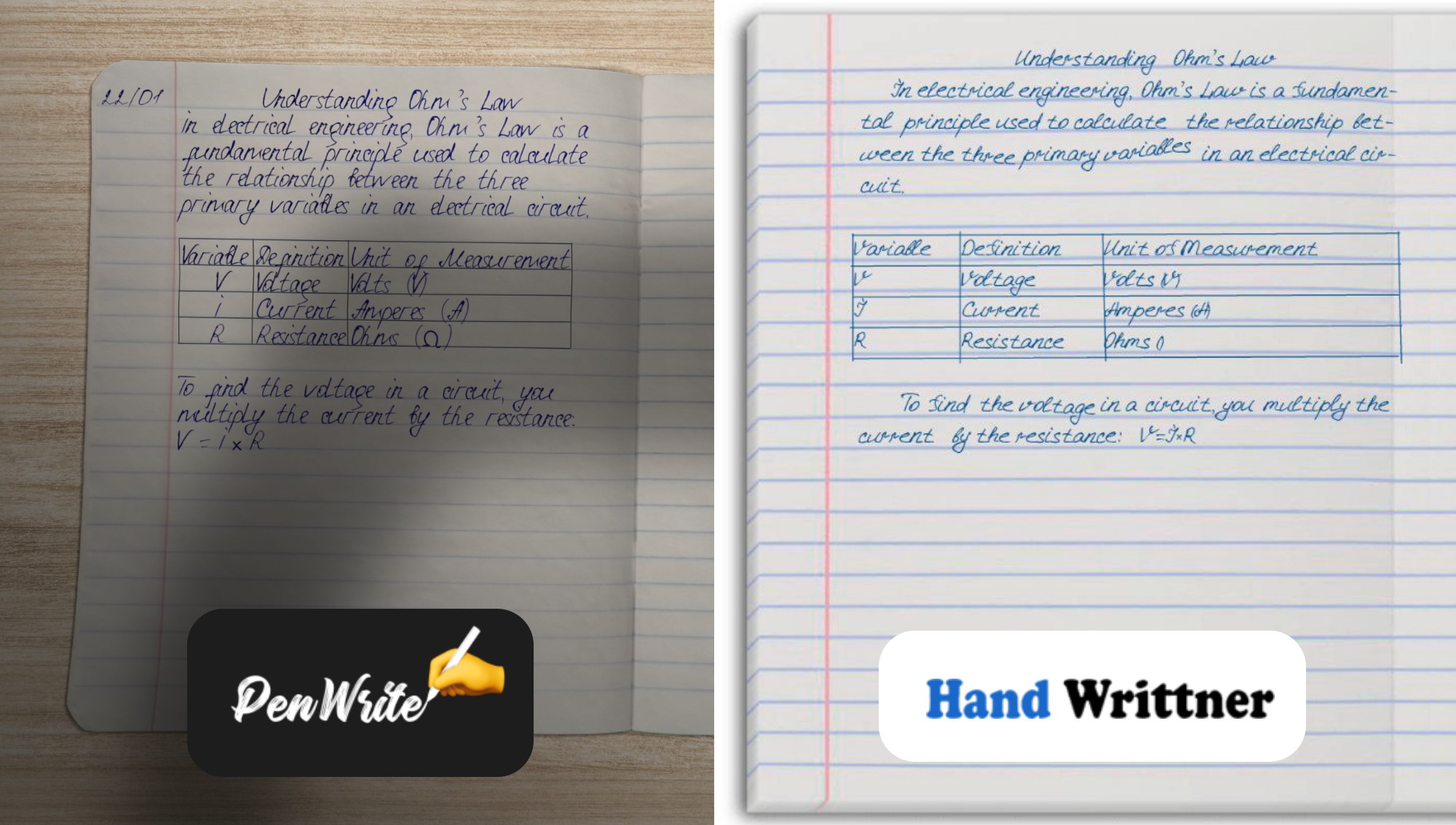
1. Ethical Choice
Before diving into features, it’s important to know the source. Handwrittner is a Russian service. By using their services, you are indirectly contributing to their economy.
PenWrite is a Ukrainian-built service. When you choose PenWrite, you are supporting Ukrainian developers.
2. Mobile Experience & Editor Usability
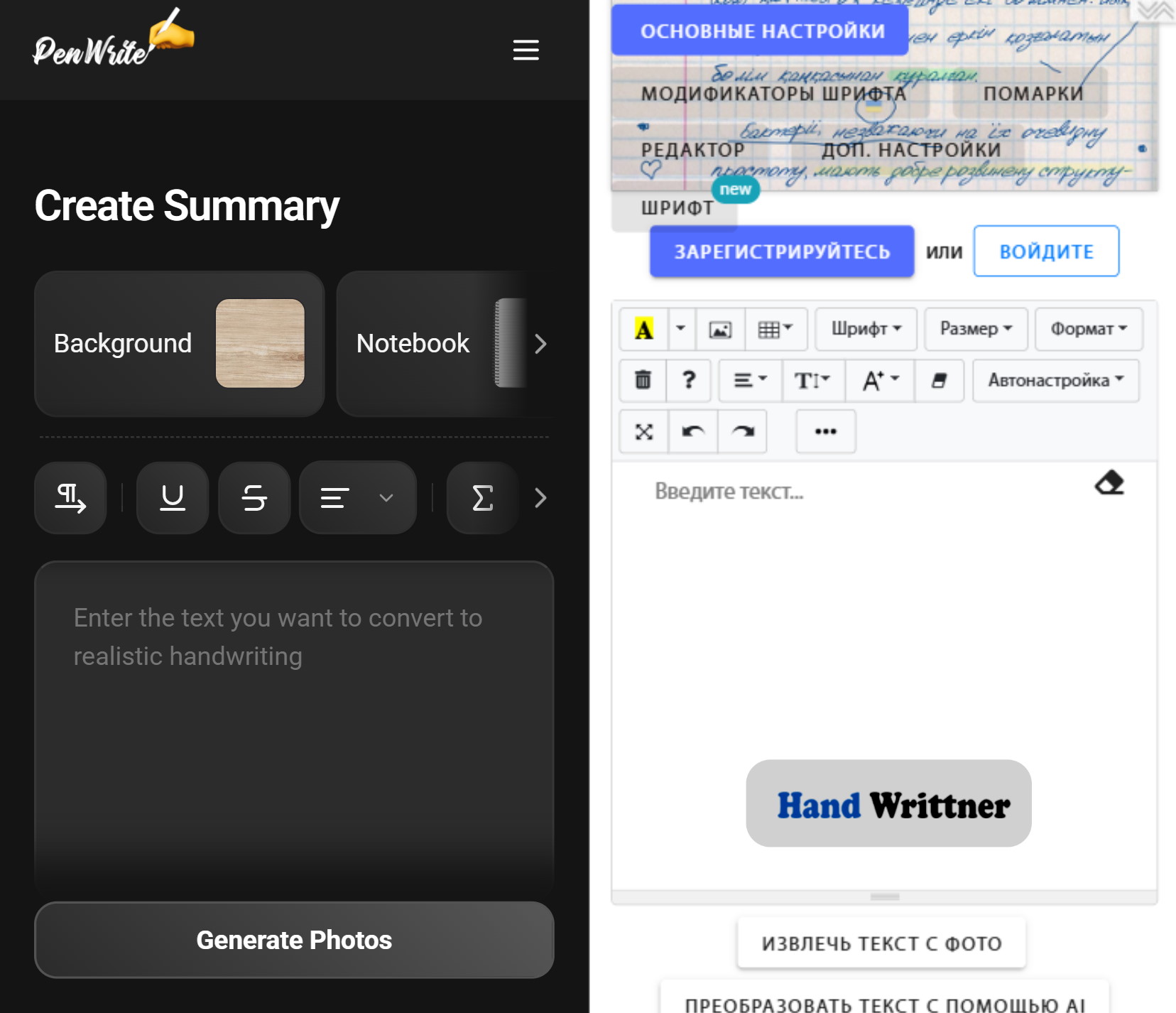
Handwrittner’s interface is notoriously difficult to use on mobile devices.
- Handwrittner: The interface is cluttered with tiny buttons that are hard to tap on a phone, and you have to scroll endlessly just to tweak basic settings.
- PenWrite: Our site is fully optimized for any screen sizes.
3. Math & Formulas
- The Handwrittner Struggle: It can not display formulas. It doesn't even draw top line of squere root.
- The PenWrite Solution: We automatically detect formulas from ChatGPT, Gemini, Perplexity, Qwen and other sources. Also when you click into a formula, PenWrite opens a special math toolbar which has everything you need for math. Our Formula Engine v2 can render any kind of complicated equations to your handwritten text.
4. The Font Generator: Integrated vs. Fragmented
Handwrittner’s "own font" feature is a multi-step nightmare. They require you to download a template, print it, fill it out, scan it, and then manually fix SVG "nodes" and "Bezier curves" on their site.
PenWrite's Integrated Font Generator:
- No Printer Needed: Just draw your letters directly on your tablet or smartphone screen.
- Guiding Lines: We use special guides so your letters connect naturally, creating a realistic flow.
- Instant Sync: Because it's built into PenWrite (not a separate process), your font is ready to use the second you finish drawing. You can edit one letter and use new font instantly.
5. Realistic Tables & Advanced Options
Handwrittner’s tables include randomization, same as PenWrite. But Handwrittner lacks table styling features.
In PenWrite you can change border thickness, colors, and even disable outer borders for a more "organic" look.
6. Pricing Comparison
Handwrittner uses a confusing system of "sheets", weekly/monthly, full/limited tiers mixed.
| Plan Type | PenWrite | Handwrittner |
|---|---|---|
| Budget/Limited | $2.50 (Classic - 30 days unlimited) | $1.90 (50 sheets) |
| Standard Monthly | $4.99 (Basic - 30 days unlimited) | $3.50 (Weekly only!) |
| Full Premium | $6.99 (Monthly) | $5.50 (Monthly) |
Ready to save hours of manual writing with a tool that actually works?