
PenWrite vs. Handtextai: The Ultimate Showdown for Handwritten Notes
As a student, you've likely faced the "crunch time" struggle: thousands of words to write by hand for an assignment, lab report, or essay, but only a few hours to do it. You turn to a text to handwriting converter, but what the difference between them?
Today, we are diving deep into a comparison between PenWrite and Handtextai.
1. The Editor Experience
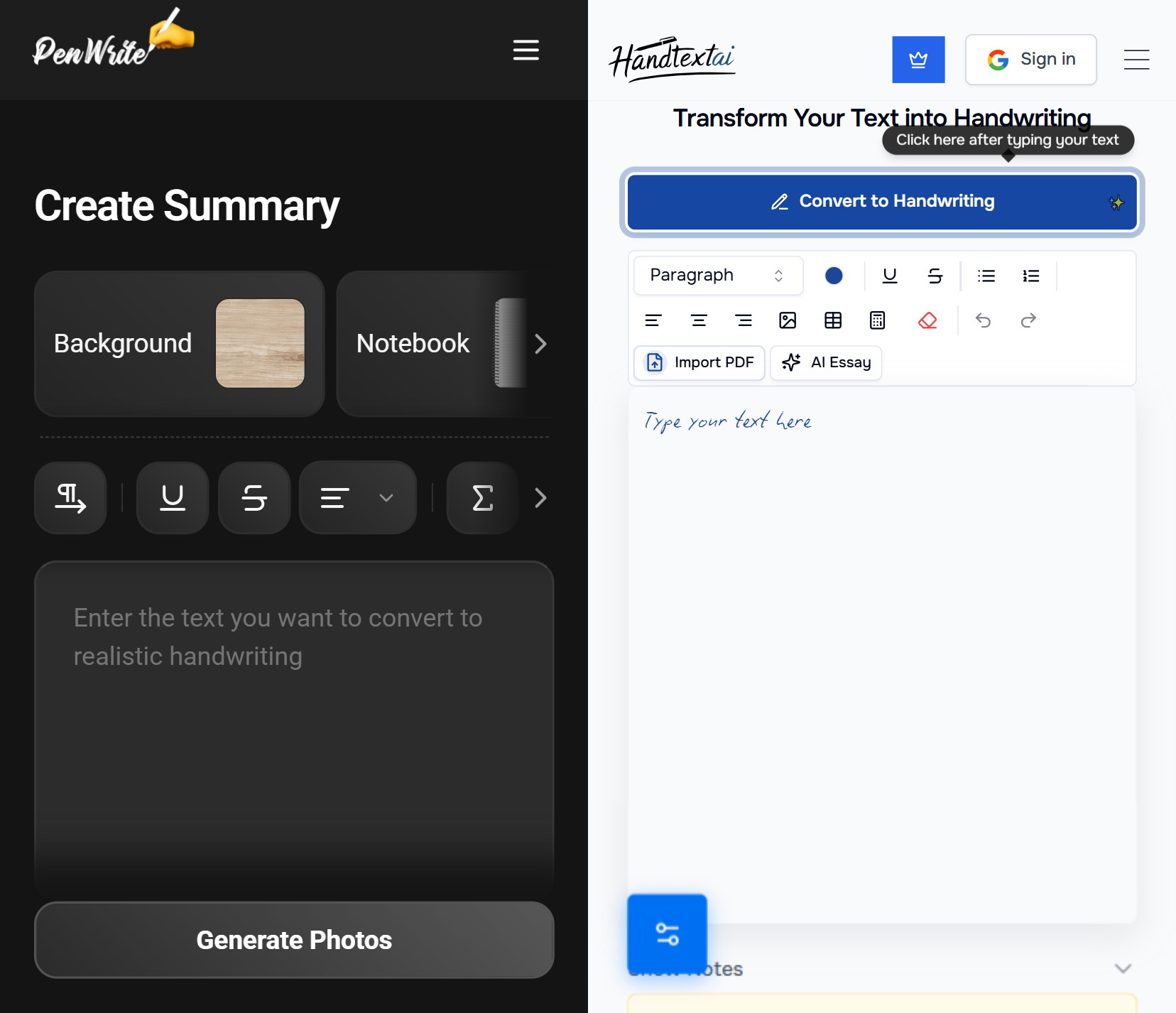
One of the biggest hurdles with Handtextai is its editor. It uses a handwritten font directly in the typing area. While that might sound "thematic," it’s incredibly inconvenient. When you need to proofread or find a specific word to edit, scanning through "handwritten" text on a screen is much harder than reading a clean, standard font.
PenWrite uses a clean, standard font in the editor so you can focus on your content. The magic happens only when you hit convert. Plus, PenWrite is fully optimized for mobile, whereas Handtextai is virtually unusable on a smartphone.
2. Math & Formulas
For STEM students, getting formulas right is usually the hardest part of digital handwriting. This is where the difference between the two platforms is most obvious:
- No LaTeX Knowledge Required: In Handtextai, you are obligated to use LaTeX code for every equation, which can be a massive headache. PenWrite allows you to use LaTeX if you want, but it also features a smart "Formula Detection" system.
- Automatic Math Toolbar: When PenWrite detects you are editing a formula, it automatically provides a specialized toolbar. This contains visual symbols for division, sums, integrals, and more — allowing you to build complex math visually without memorizing code.
- Formula Detection: While Handtextai requires manual formatting, PenWrite automatically detects formulas pasted from Gemini, ChatGPT, Perplexity, Qwen, and various other sources. Just paste and click "Yes" to the prompt.
3. Realistic Tables and Formulas
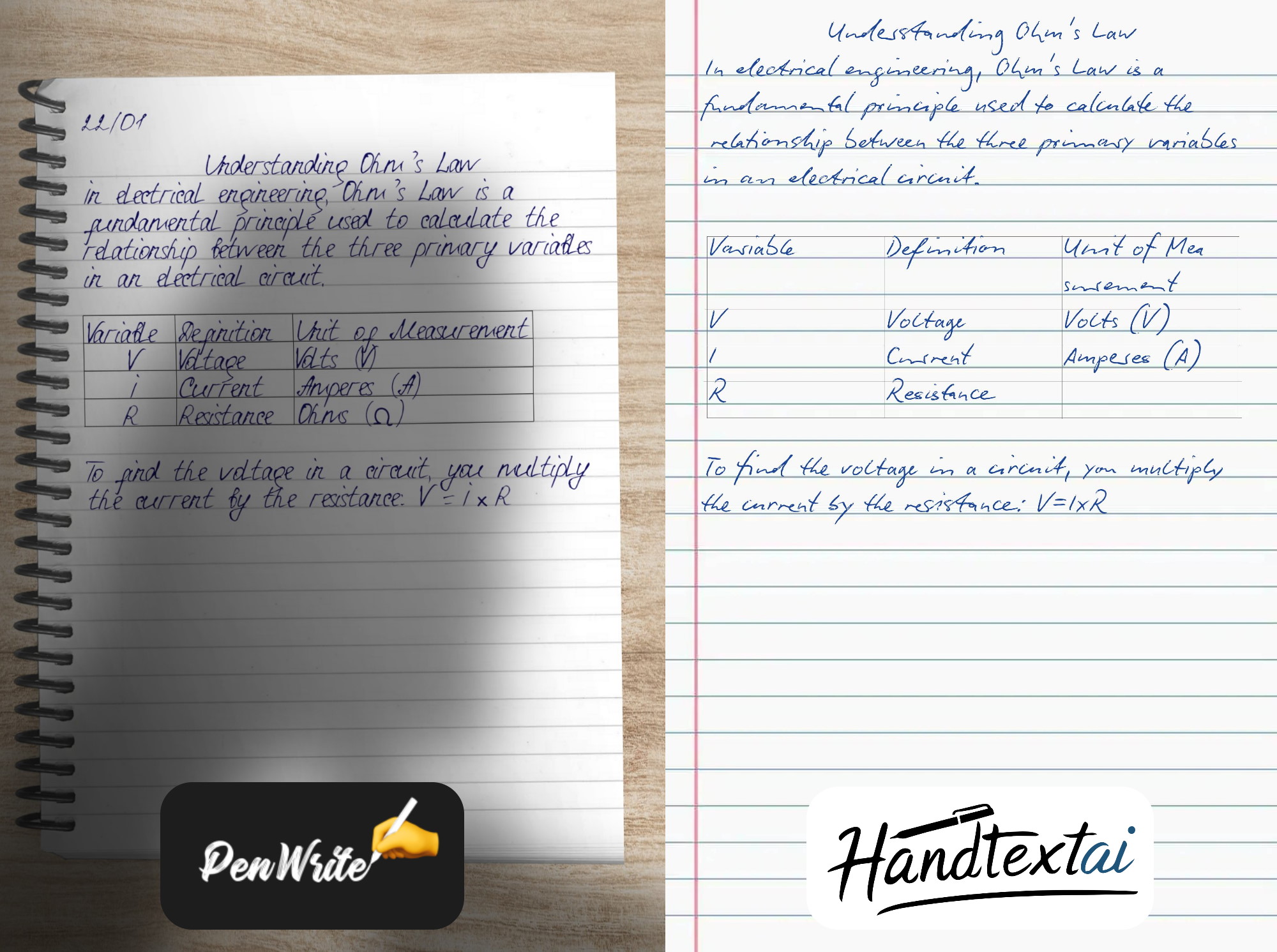
Handtextai fails to randomize table lines, making them look perfectly straight and obviously computer-generated. It lacks the styling options needed to make a table look like it was drawn in a notebook (like disabling outer border or choosing different color and thickness).
4. The Font Generation Revolution
Handtextai doesn’t actually have its own font generator; they redirect you to a third-party service called Calligrapher. This comes with a headache:
- You have to print a physical template.
- You scan it back, but the scan often catches the template lines.
- The letters don't connect naturally in resulting font.
- Changes don't sync; you have to manually print again and redraw and then transfer files back and forth.
- You have to pay for third-party service
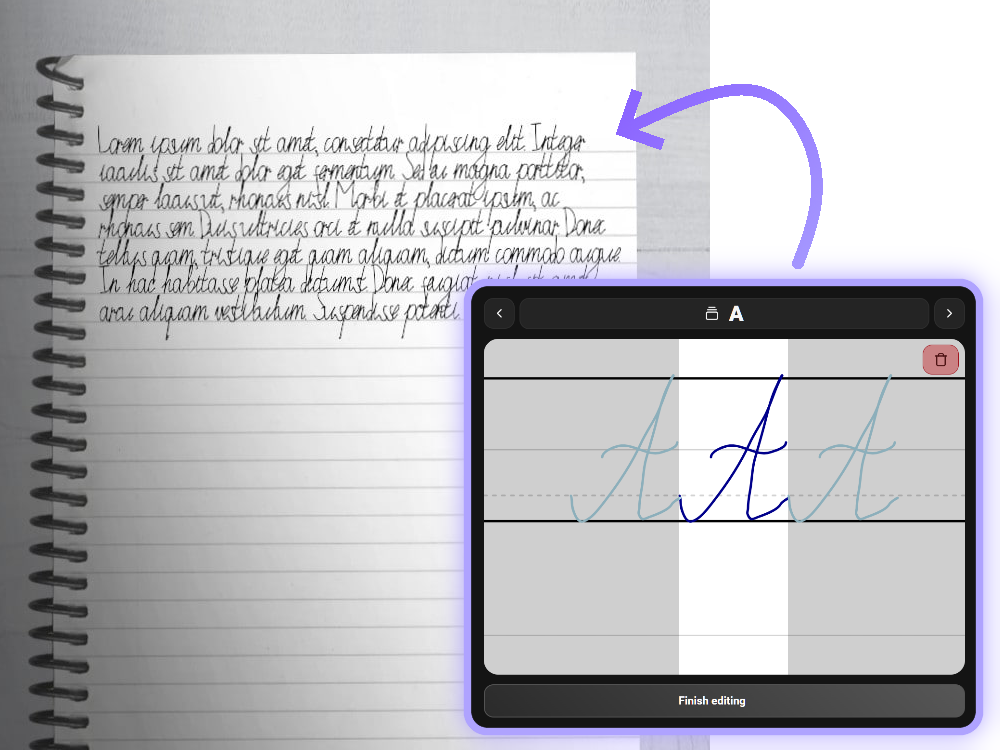
PenWrite changes everything. Our integrated font generator allows you to write your letters directly on your device. Since it's built-in, your font syncs instantly. Our guiding lines ensure that letters connect perfectly, creating a flow that looks like real. No additional payments!
5. Automation vs. Meticulous Tweaking
In Handtextai, if you want your text to sit perfectly on a lined or celled background, you have to manually adjust the line spacing every single time. It’s a tedious process of trial and error.
PenWrite has everything prepared. We’ve done the calibration so you don’t have to. Just paste your text and click "Generate Photos". You can choose from different backgrounds, fonts, copybooks, colors, shadows, etc. And if you want to adjust precisly what really matters - check out "Advanced Options" for font scaling, table styles, and more.
6. Pricing: Don’t Get Locked In
Handtextai charges a premium for fewer features. They push annual subscriptions, but as a student, do you really need a handwriting generator in the middle of summer break or holidays?
- Handtextai: $7.99/month (or $5.99/mo if you lock yourself in for a year).
- PenWrite Premium: Only $6.99/month.
- PenWrite Basic: Only $4.99/month.
- PenWrite Classic: Just $2.50/month for those who wants minimal features.
With PenWrite, you get more features — like the integrated font creator and formula detection — for a lower monthly price, without the need for a year-long commitment.
Bonus: The PenWrite Reality Engine
What truly sets us apart is our Reality Engine. It uses pen texture mapping and physics-based calculations. When you generate a note, it’s not just "text on a background"—it’s a simulation of hand-holding a phone, room lighting, and ink flowing into paper fibers.
Conclusion
| Feature | PenWrite.top | Handtextai.com |
|---|---|---|
| Mobile Usability | Fully optimized for mobile devices | Not usable on mobile |
| Editor Interface | Standard font for easy editing/finding words | Handwritten font in editor (hard to read/edit) |
| Formula Entry | Visual Toolbar (No LaTeX needed) or LaTeX | LaTeX only (Required) |
| Formula Detection | Auto-detects from ChatGPT, Gemini, Perplexity and other sources | None (Manual entry only) |
| Handwriting Creation | Integrated: Create your own handwritten font for free on any device | External: Uses "Calligrapher" (requires printing/scanning and additional payment) |
| Custom Font Syncing | Automatic and instant syncing/editing | Manual file transfers (especially hard on mobile) |
| Tables | Randomized lines & advanced styling options | Static, perfectly straight lines (looks fake) |
| Note Alignment | Auto-aligned to lined/celled backgrounds | Manual, meticulous line-spacing adjustments required |
| Visual Quality | Reality Engine: Ink texture mapping, shadows and more | Basic digital overlay |
| Price | $2.50 (Classic) / $4.99 (Basic) / $6.99 (Premium) | $7.99 (Monthly) |
Ready to save hours of manual writing?