
How to Convert Printed Text to Realistic Handwritten Notes with PenWrite
Are you looking for a way to convert printed text to written online without spending hours with a pen? Whether you need to make the text handwritten for a school assignment or want a handwritten note generator for personal letters, PenWrite is the most advanced tool available.
While many students look for a free handwritten note generator, the real magic happens when you unlock the PenWrite Premium features. This guide will show you how to use professional tools to create notes that are indistinguishable from real handwriting.
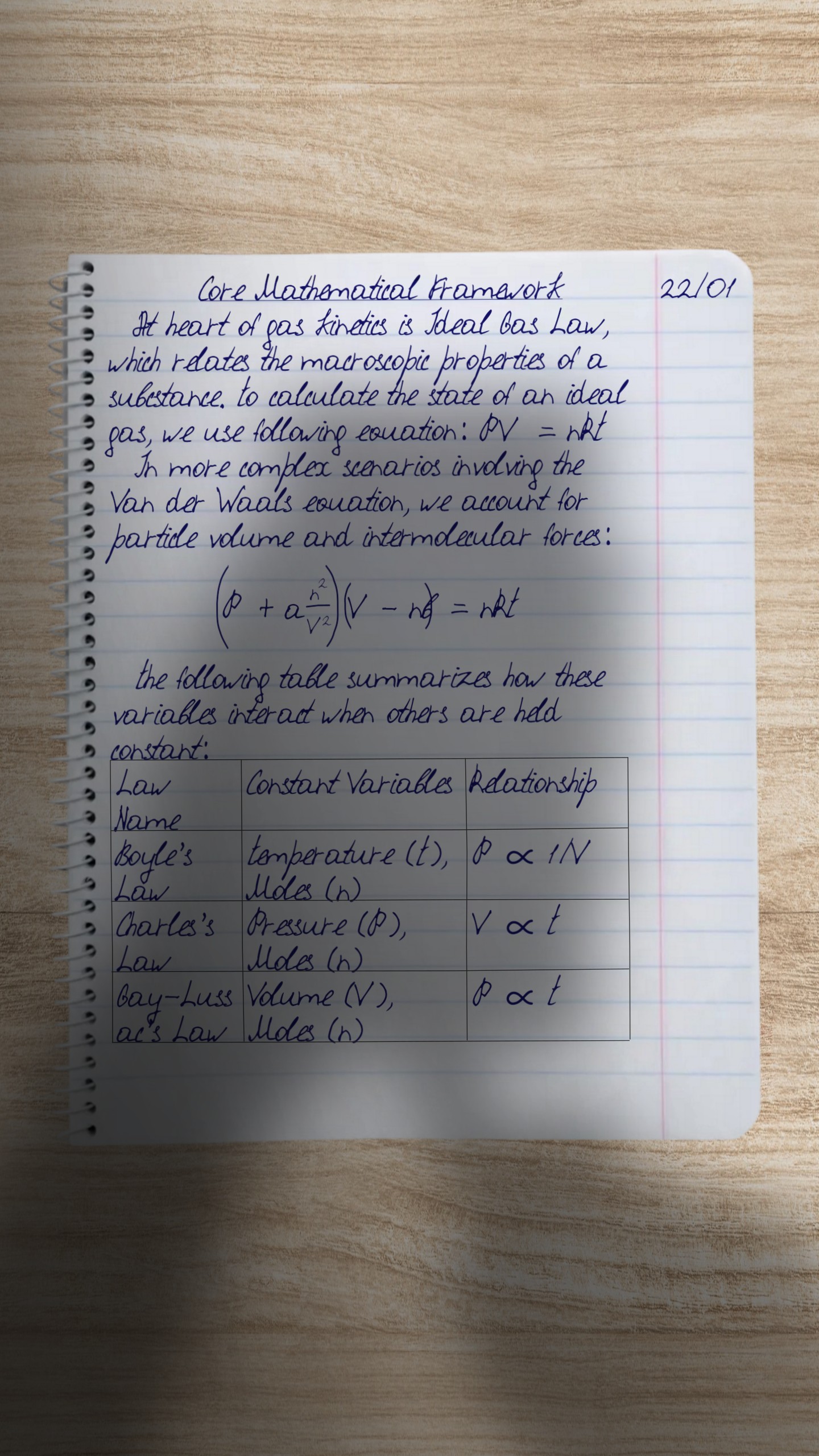
1. Create Your Own Handwritten Font
The biggest advantage of the Premium plan is the ability to create your own font. Instead of using standard "handwritten" fonts that look digital, you can create a handwritten font online that is uniquely yours.
- Integrated Font Generator: No need to print templates or use external sites. Draw your letters directly on your tablet or smartphone.
- Natural Flow: Our guiding lines ensure your letters connect perfectly, which is essential for a realistic handwritten font online.
- Instant Updates: Edit any letter at any time, and your custom font will sync automatically.
2. Professional Formula & Table Rendering
If you are a STEM student, a basic text to handwriting tool isn't enough. You need to translate printed text to handwritten online including complex math.
- AI Formula Detection: PenWrite automatically detects formulas pasted from ChatGPT, Gemini, and Perplexity.
- Visual Math Toolbar: Use our built-in editor to add fractions, integrals, and sums without needing to know LaTeX.
- Advanced Tables: Unlike other sites where tables look "fake," PenWrite allows you to randomize lines, change colors, and adjust border thickness for maximum realism.
3. The Reality Engine: Shadows and Textures
To truly write the text by hand digitally, you need depth. PenWrite's unique Reality Engine provides:
- Shadow Control: Choose "room lighting" or combine it with the "shadow of hands holding a phone".
- Ink Texture Mapping: Our technology simulates how ink flows into the paper fibers.
- Quad HD Quality: Premium users get crisp, high-resolution exports (2056x1440px) ready for printing on a blank sheet or exporting to PDF.
Comparison: Why Upgrade to Premium?
| Feature | Basic Plan | Premium Plan |
|---|---|---|
| Custom Handwriting | View Only | Unlimited Generation |
| Formulas per Note | 1 Formula | 50 Formulas |
| Tables | No | Full Support |
| Pages per Attempt | 20 Pages | 50 Pages |
| Image Resolution | Quad HD | Quad HD |
Step-by-Step: How to Use PenWrite to Convert Text
- Paste your text: Copy your content into our clean, easy-to-use editor.
- Activate Formula Detection: If you have math, click "Yes" when prompted to replace formulas.
- Choose Your Background and copybook: Select from different types of paper (lined, cell, etc.).
- Select Your Custom Font: Use the handwriting you created in our generator.
- Adjust Advanced Options: Tweak font scaling and table styles if you want to have full control of rendering process.
- Generate & Download: Export as a JPEG, PDF or ZIP.
Conclusion: The Best Site That Writes in Your Handwriting
Stop searching for "how to write a handwritten note" and start using the tool that does it for you. PenWrite is the only program for writing text by hand that combines AI intelligence with artistic realism.
Whether you need a printed text to handwriting A4 scan effect or a photo for a digital submission, PenWrite Premium is the ultimate solution.